PhotoSwipe Gallery Demo
This post demonstrates PhotoSwipe gallery integration with various scenarios to evaluate the user experience and implementation quality.
Single Image Test
First, let’s test a single large image to see how it handles individual image showcase:

Click the image above to see PhotoSwipe’s single image experience. GalleryImage automatically generates optimized thumbnails and lightbox images.
Two Image Layout
Testing the two-image justified layout:


Different aspect ratios in justified layout. Notice how images maintain their proportions while filling the available space efficiently.
Three Image Justified Layout
Three images with mixed aspect ratios in justified rows:



Three images arranged using justified layout algorithm. Images may flow across multiple rows based on their aspect ratios and the available space.
Larger Gallery (6 Images)
Testing with more images to see justified layout performance and navigation:




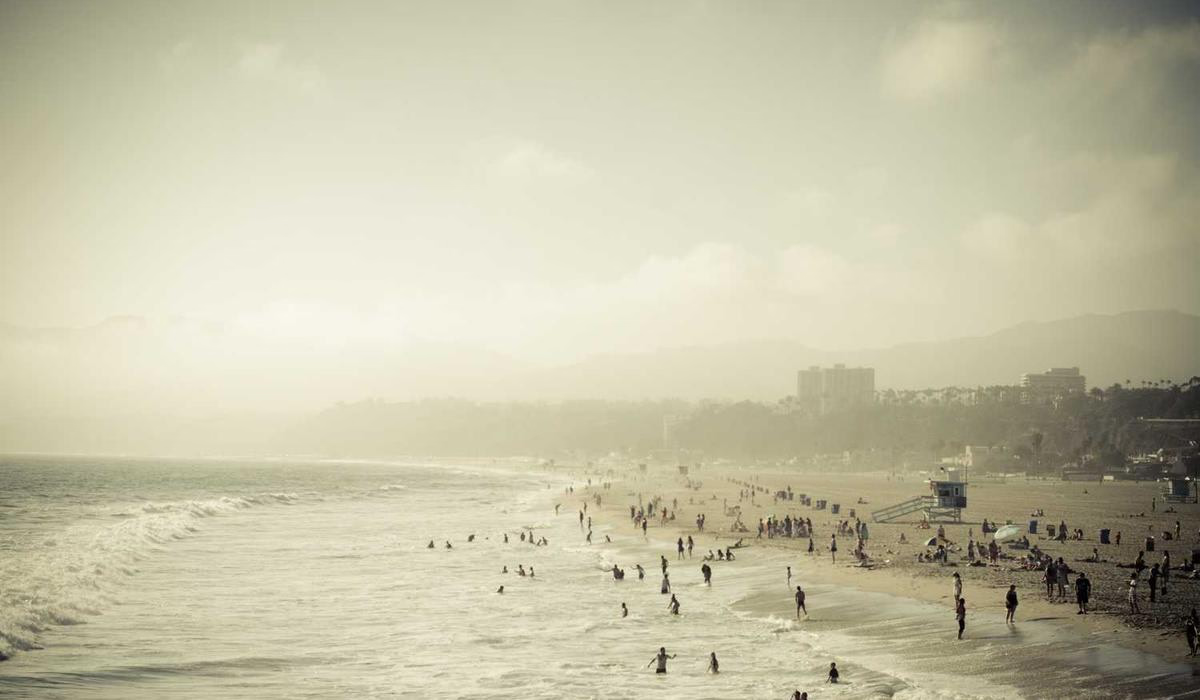

Six images arranged in justified rows. Test navigation between images using arrows or swipes.
Large Gallery (9+ Images)
Testing with many images to see justified layout with multiple rows:
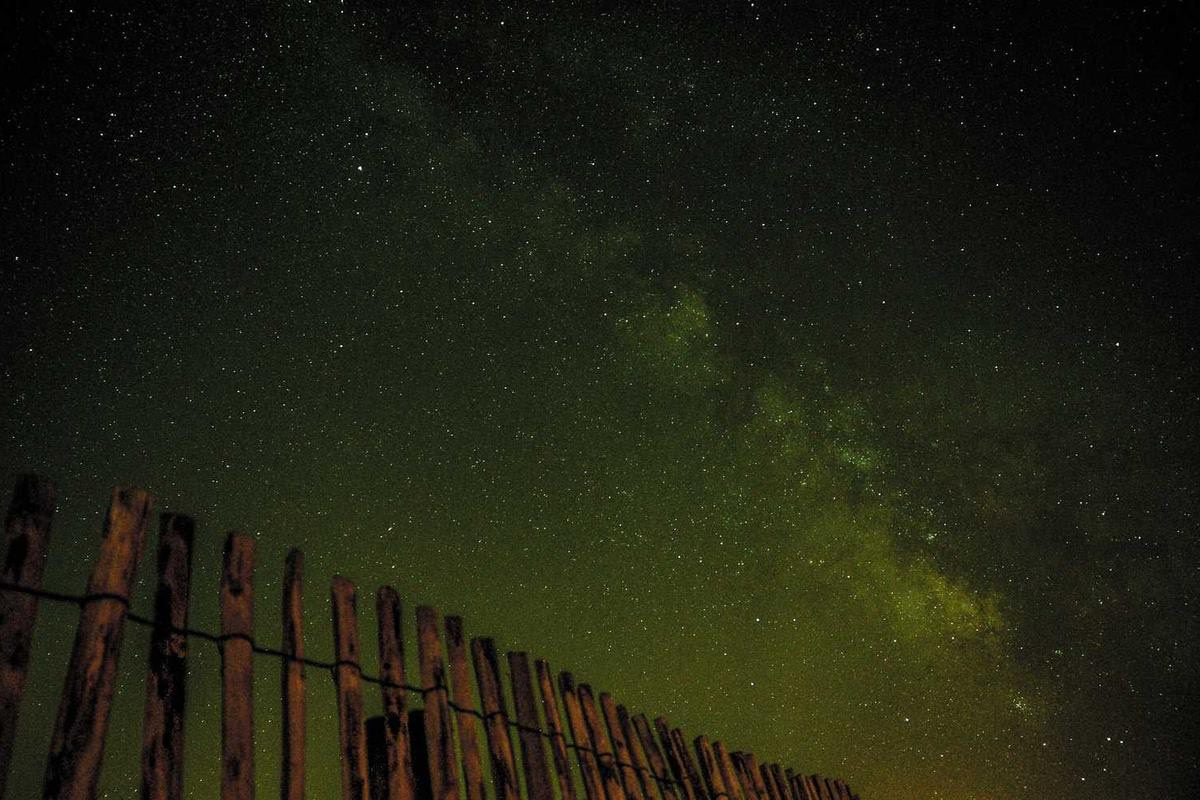


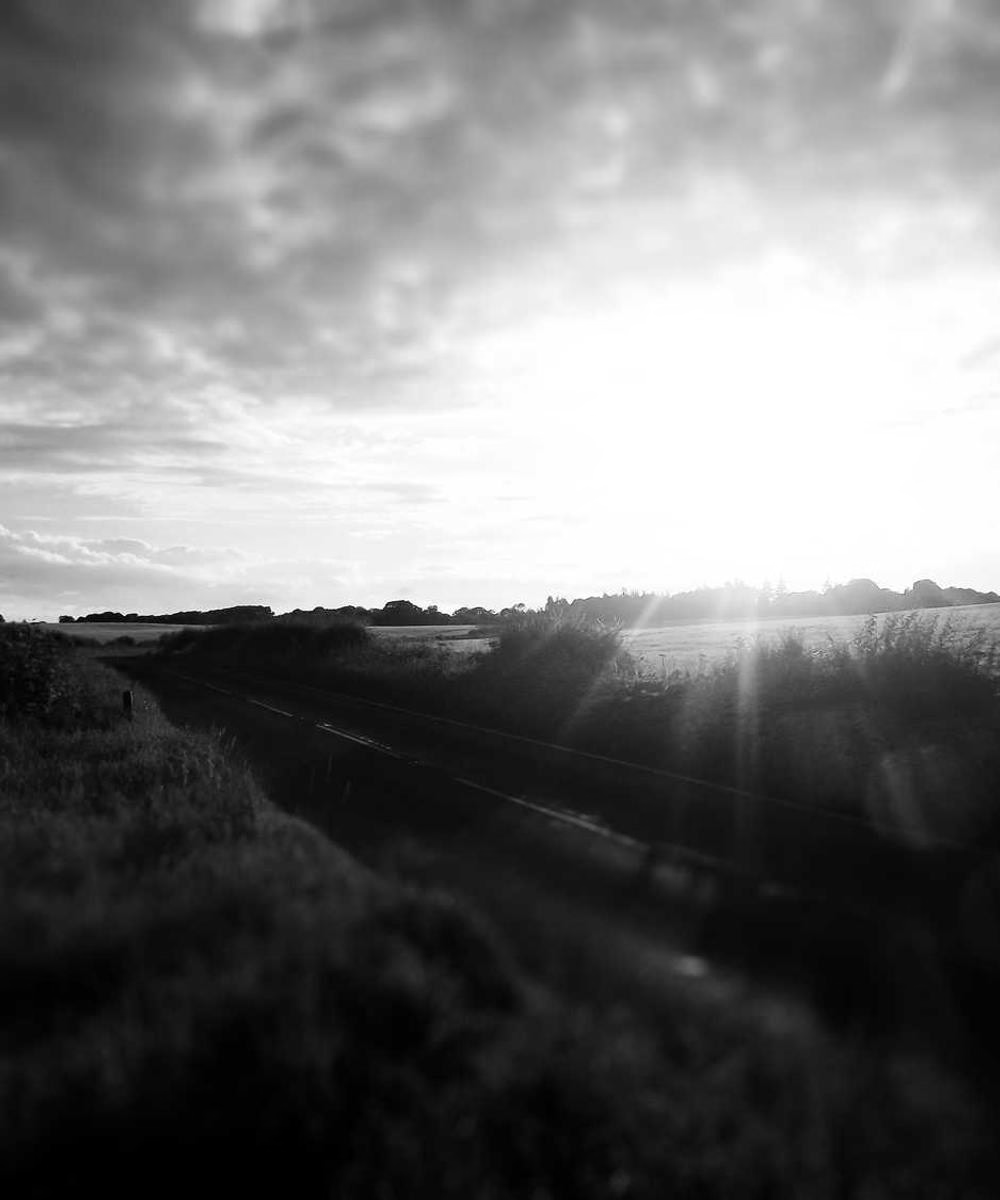

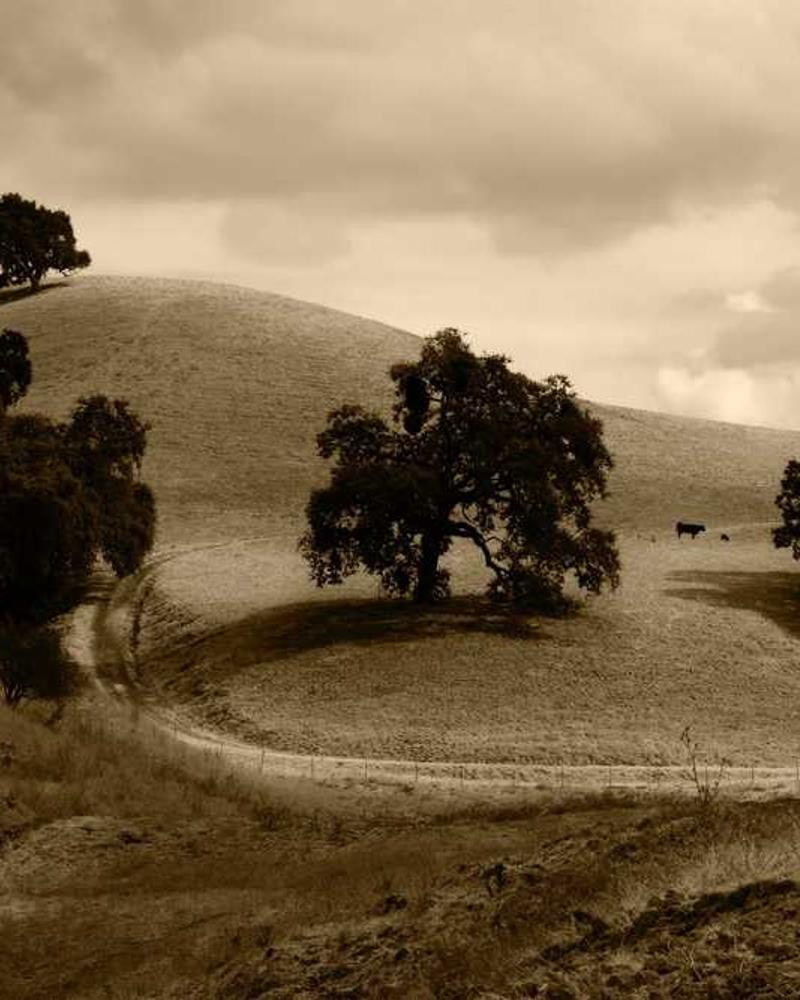



Nine images arranged in multiple justified rows. Test gallery navigation performance with arrow keys and touch gestures.
Mobile Responsiveness Test

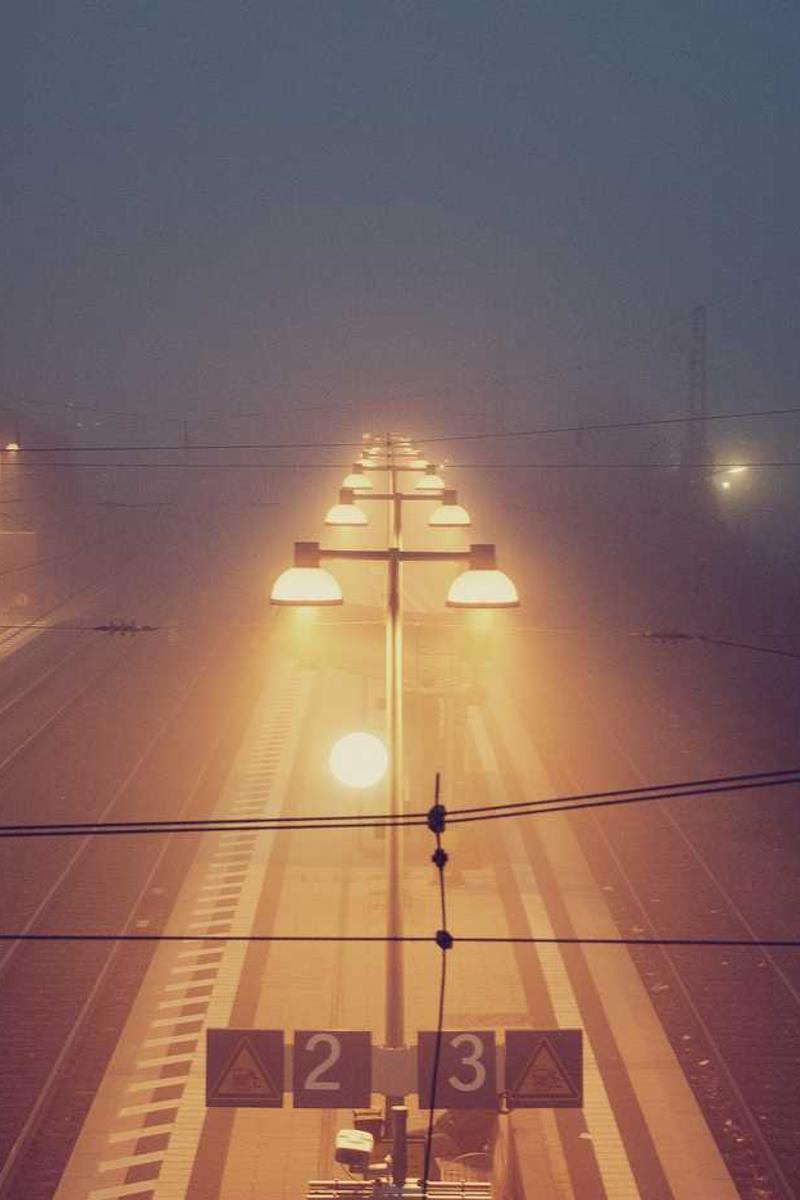

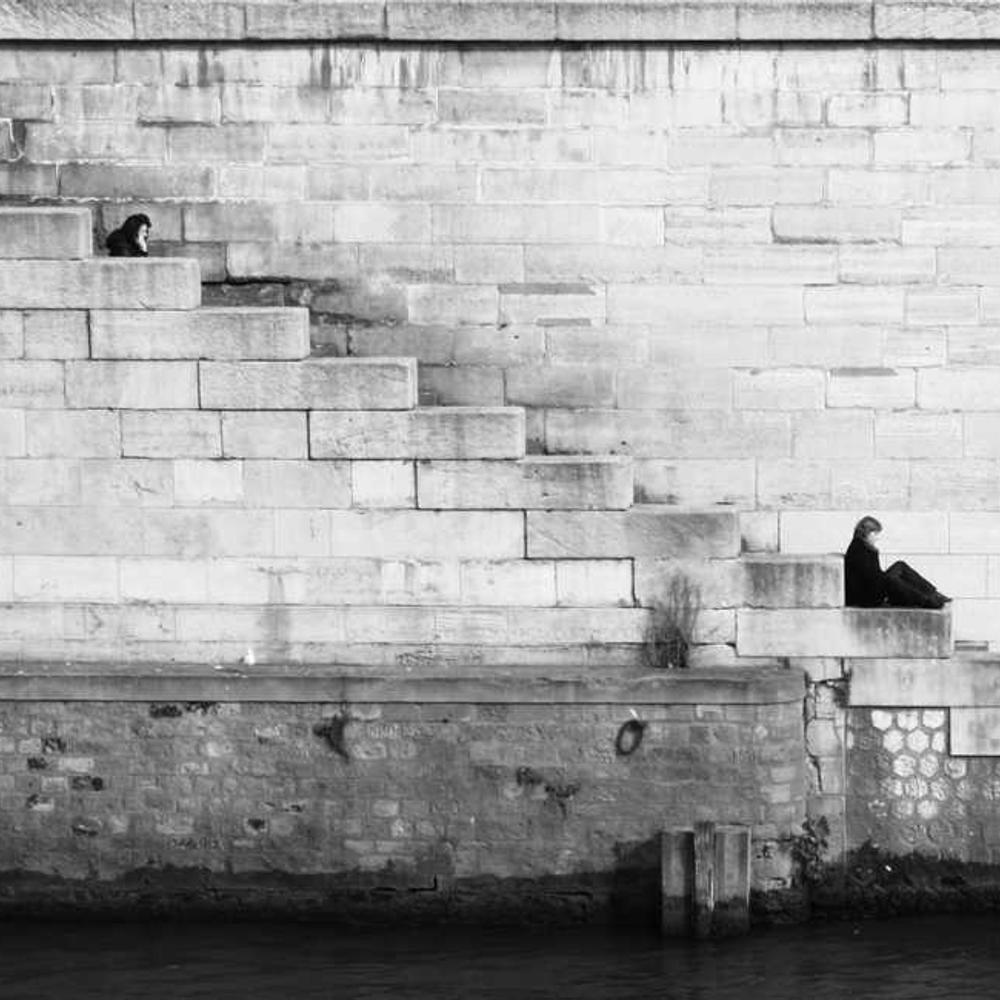
Test this gallery on mobile devices - automatically falls back to a simple grid layout for better mobile experience.
Justified Layout - Photography-First Design!
This implementation uses Flickr’s proven justified layout algorithm:
Configuration Options:
Simple cases (most common):
:::gallery{targetRowHeight="200"}


:::With captions:
:::gallery{targetRowHeight="200"}


:::No imports needed! The directive automatically handles image imports and optimization at build time.
Two-Tier Optimization (Automatic):
- Thumbnail (gallery grid): Uses
thumbnailpreset (~500k pixels) - Lightbox (PhotoSwipe fullscreen): Uses
defaultpreset (~1M pixels) - Both optimized automatically at build time
Benefits of GalleryImage:
- ✅ Automatic optimization - no manual thumbnail generation needed
- ✅ PhotoSwipe performance - lightbox uses optimized images, not huge originals
- ✅ Build-time correctness - all HTML generated at build time (no client-side DOM manipulation)
- ✅ Simple interface - just src, alt, and optional caption
How It Works:
GalleryImage generates two optimized versions of each image:
- Thumbnail for the gallery grid (small file, fast loading)
- Lightbox for PhotoSwipe fullscreen (larger but optimized, prevents performance issues with huge originals)
The optimization presets are defined in your theme config (config.images.presets).
Benefits of Justified Layout:
- ✅ Preserves aspect ratios - no image cropping or distortion
- ✅ Efficient space usage - fills available width optimally
- ✅ Photography-focused - showcases images like professional galleries
- ✅ Responsive design - automatically falls back to grid on mobile
- ✅ Familiar pattern - users understand from Google Photos/Flickr
Evaluation Criteria
When testing this PhotoSwipe integration, consider:
✅ Positive Indicators
- Smooth animations when opening/closing gallery
- Intuitive navigation between images (arrows, swipe, keyboard)
- Good mobile experience with automatic fallback to grid
- Proper image scaling and zoom functionality
- Justified layout preserves image aspect ratios beautifully
- Performance - no lag during layout calculations
- Captions display properly in lightbox overlay
❌ Negative Indicators
- Slow loading or bundle size impact
- Confusing navigation or UI elements
- Poor mobile experience (should auto-fallback)
- Layout calculation errors with extreme aspect ratios
- Complex implementation vs simpler alternatives
- Accessibility issues
🤔 Questions to Consider
- Does the justified layout feel natural and browsable?
- Do the row heights work well for different screen sizes?
- How does mobile fallback compare to desktop experience?
- Is the bundle size increase (justified-layout + PhotoSwipe) worth it?
- Does this showcase photography better than simple grids?
PhotoSwipe Configuration
You can customize PhotoSwipe behavior through your theme configuration:
// user.config.ts
const config: DeepPartial<XenTConfig> = {
  // ... your other config ...

  integrations: {
    photoswipe: {
      bgOpacity: 0.9, // Background opacity (0-1)
      showHideAnimationType: 'zoom', // 'fade' | 'zoom'
      showAnimationDuration: 300, // Open animation (ms)
      hideAnimationDuration: 300, // Close animation (ms)
      zoom: true, // Enable zoom functionality
      close: true, // Show close button
      arrowKeys: true, // Arrow key navigation
      pinchToClose: true, // Pinch to close on mobile
      clickToCloseNonZoomable: true, // Click to close when not zoomable
    },
  },
};
Common customizations:
// Subtle, minimal gallery
photoswipe: {
  bgOpacity: 0.95,
  showHideAnimationType: 'fade',
  showAnimationDuration: 200,
  hideAnimationDuration: 200,
}

// Photography-focused (more zoom control)
photoswipe: {
  bgOpacity: 1.0,
  showHideAnimationType: 'zoom',
  zoom: true,
  clickToCloseNonZoomable: false,  // Require close button
}

// Disable PhotoSwipe entirely
photoswipe: false
Next Steps: Based on this demo, we’ll decide whether to integrate PhotoSwipe fully into the theme or explore simpler alternatives like GLightbox or CSS-only solutions.